Grey market detection with QR codes: how product passports reveal where your products really end up
17 November 2026
Every scan of a product passport QR code tells you where a product is. How brands use those scans to spot grey market sales, and what to do when a product turns up where it shouldn't.
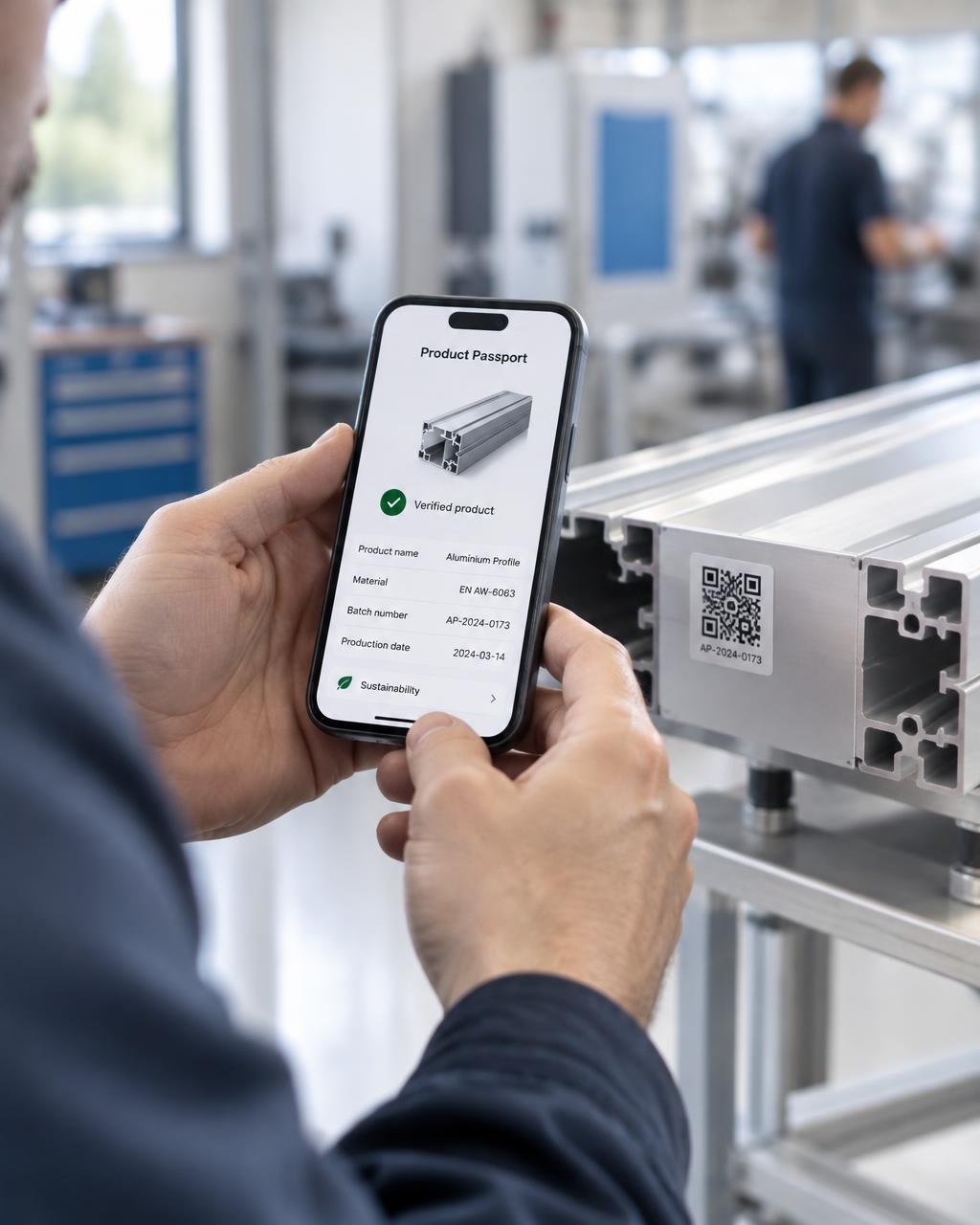
A Digital Product Passport is opened with a QR code on the product or its label. Every time someone scans it, you learn something. Where the product is, and when. Put those scans next to the route the product was supposed to take, and you can see when it ends up somewhere it shouldn't.
What is the grey market?
Grey market goods are genuine products sold outside the channels a brand intended. A batch meant for one country turns up in another, or stock meant for a distributor appears on a discount marketplace. The products are real, but the brand loses control over price, service, warranty and reputation.
How QR scans reveal grey market activity
Arkive knows the planned journey of each product, from sourcing and manufacturing to the warehouse and the sales point. Each step has a latitude and longitude.
When a passport is scanned, the scan location is placed on the same lifecycle map.
- Scans near the journey are what you expect, in the shop or at the customer's home in the right market.
- Scans far from the journey are flagged in red as possible grey market.
You see how many scans a passport had, how many unique visitors, and how many of them were far from the planned route. Scans are only visible to your own team.
What brands do with it
- Find which batch or distributor the leaking stock came from.
- Check pricing agreements and contracts with partners.
- Protect warranty and service, by knowing which products were sold outside official channels.
- Export the scan table to CSV, or a passport's scans to Excel, for your sales or legal team.
More than compliance
Brands often see the passport as a regulatory task. The scan data is where it starts paying back. It shows where products are used, how they move after the sale and where they end up at end of life.
Getting started
- Give each product or batch its own passport and QR code.
- Map the planned route, from production to the sales point.
- Put the QR code on the product, label or packaging.
- Watch the scans come in on the lifecycle map.
Create your first 5 passports for free or book a 30-minute call to see grey market detection on your own products.